iPhone Charging Port Not Working? 7 Fixes to Try First
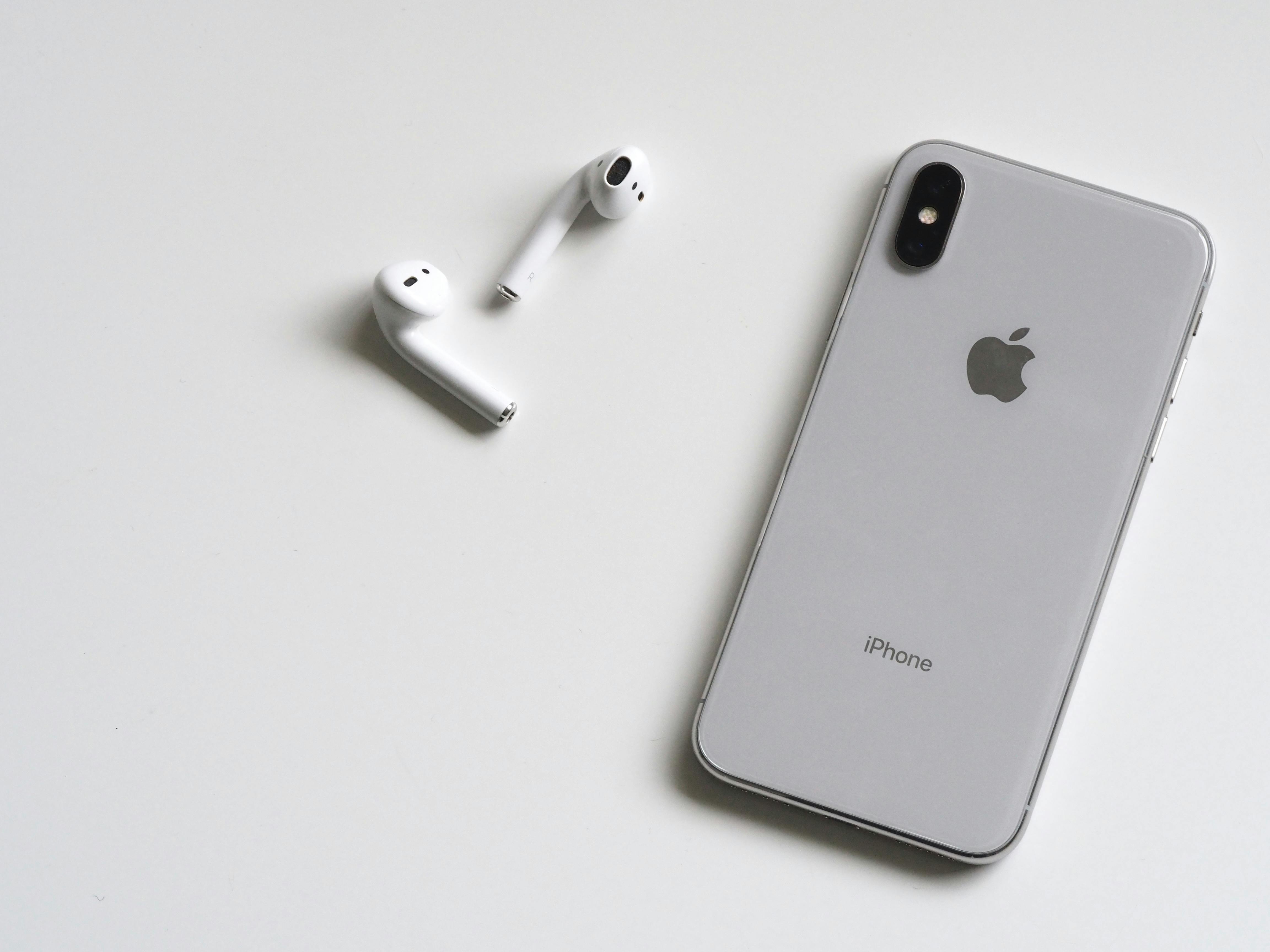
An iPhone that won't charge is one of the most frustrating tech problems. Before you panic or rush to a repair shop, try these 7 troubleshooting steps that fix most charging issues. At CompuCare Centre in Walthamstow, we repair iPhone charging ports daily, but we always recommend trying these fixes first.
1. Check Your Charging Cable and Adapter
The most common cause isn't your iPhone at all – it's a faulty cable or power adapter.
What to try:
- Inspect your Lightning cable for visible damage, fraying, or bent pins
- Try a different Apple-certified cable
- Test a different power adapter or wall socket
- Try charging from a different power source (wall, computer, car)
If your iPhone charges with a different cable, you've found the problem! Replace the cable rather than repairing your iPhone.
2. Clean the Charging Port
Lint, dust, and pocket debris accumulate in your iPhone's charging port, preventing proper connection.
How to clean safely:
- Power off your iPhone completely
- Use a wooden toothpick or anti-static brush (never metal!)
- Gently scrape out any visible debris
- Shine a light into the port to check for blockage
- Use compressed air for stubborn dust (short bursts only)
Warning: Be extremely gentle. Don't use metal objects as they can damage the delicate pins inside.
3. Restart Your iPhone
A simple restart can fix software glitches that prevent charging.
How to restart:
- iPhone 8 or later: Press and quickly release Volume Up, then Volume Down, then press and hold the Side button until the Apple logo appears
- iPhone 7/7 Plus: Press and hold Volume Down + Side button until Apple logo appears
- iPhone 6s and earlier: Press and hold Home + Top button until Apple logo appears
4. Update iOS Software
Outdated iOS versions can cause charging problems due to software bugs.
To update:
- Connect to Wi-Fi
- Go to Settings → General → Software Update
- Download and install any available updates
If your iPhone won't charge enough to update, try charging while it's powered off, or bring it to our shop for a diagnostic.
5. Check for Water Damage
iPhones are water-resistant, not waterproof. Liquid in the charging port triggers a safety feature that prevents charging.
Signs of water damage:
- "Liquid Detected" warning on screen
- Recent exposure to water, rain, or high humidity
- Corrosion visible in charging port (greenish tint)
What to do:
- Don't force charge if you see a liquid warning
- Let iPhone dry completely (at least 30 minutes, preferably overnight)
- Gently tap iPhone with port facing down to remove liquid
- Don't use heat sources (hair dryers) or rice (makes it worse)
If liquid damage persists, professional cleaning is needed. Our iPhone repair service includes liquid damage assessment.
6. Try Wireless Charging
If you have an iPhone 8 or later, test wireless charging to determine if the problem is the port or the battery.
If wireless charging works: The problem is likely your charging port, cable, or adapter.
If wireless charging also fails: The problem might be your battery or internal charging circuit.
7. Check Battery Health
A severely degraded battery might not charge properly or hold charge.
To check:
- Go to Settings → Battery → Battery Health
- Check "Maximum Capacity" percentage
- Below 80%: Battery replacement recommended
- Below 70%: Battery replacement urgent
If you're experiencing technical issues, CompuCare Centre can help. Check out our iPhone repair services, laptop repair services, hardware upgrade options, and data recovery services. You can also contact us for a free diagnostic.
When Professional Repair Is Needed
If none of these fixes work, you likely need professional repair for:
- Damaged charging port: Bent pins, corroded contacts, or physical damage from inserting cable incorrectly
- Faulty charging IC (chip): The internal chip that controls charging has failed
- Battery failure: Battery won't accept charge due to age or damage
- Logic board damage: Rare but possible after water damage or physical impact
Our iPhone Charging Port Repair Service
At CompuCare Centre in Walthamstow E17, we fix iPhone charging problems daily:
- Free diagnostic: We'll test your iPhone and identify the exact problem
- Charging port replacement: From £49, usually completed same-day
- Battery replacement: From £49 for most models
- All iPhone models: iPhone 6 through iPhone 15 Pro Max
- 90-day warranty: All repairs covered
- While-you-wait service: Most repairs in 30-60 minutes
Frequently Asked Questions
How much does iPhone charging port repair cost?
Charging port replacement typically costs £49-79 depending on your iPhone model. We provide a free diagnostic and quote before any work begins.
How long does charging port repair take?
Most iPhone charging port repairs take 30-60 minutes. We offer while-you-wait service for most models, or you can drop off and collect later the same day.
Is it better to repair or replace my iPhone?
If your iPhone is otherwise working well, charging port repair is definitely worth it. It costs a fraction of a new iPhone and extends your phone's life by years. We'll always give honest advice on repair vs replacement.
Will I lose my data during repair?
No. Charging port replacement doesn't require accessing your data. Your photos, messages, and apps remain completely untouched. We recommend backing up anyway as good practice.
Need this fixed? Book a free diagnosis at our Walthamstow shop
Our expert technicians can diagnose and fix this for you. Free diagnostics, same-day service, 90-day warranty on parts and labour.
Book iPhone Repair →Prefer to talk? Call +44 208 509 0038 or book online for same-day service.
Visit Us in Walthamstow for iPhone Repairs
CompuCare Centre is London's trusted iPhone repair specialist, located at 16 St James Street, Walthamstow E17 7PF. We serve customers from Walthamstow, Leyton, Leytonstone, Chingford, Stratford, Hackney, and across East London.
Why choose us for iPhone repair:
- 23 years of experience since 2002
- 300+ five-star Google reviews
- Same-day service available
- Free diagnostics on all repairs
- 90-day warranty included
- High-quality replacement parts
- Friendly, honest service
Open Monday-Saturday, 10am-7pm. Walk-ins welcome or book online to skip the queue.
Need Expert Help?
Based on this article, you might be interested in our iPhone Repair Services
Prefer not to travel? We offer home and office call-out repairs across Central, East, and North East London. Our technicians come to you for convenient on-site service.
Learn more about our call-out service →More Device Help Available
If your computer, laptop, or phone is giving you trouble, our technicians can help. For iPhone issues, see our iPhone repair services in London. If your computer is just slow, our hardware upgrade service can boost its speed with SSD and RAM upgrades. You can also contact us directly for free diagnostics and advice.
Popular services at CompuCare Centre: Laptop Repairs · iPhone Repairs · Hardware Upgrades (RAM & SSD) · Data Recovery · Contact our repair team.